Free · No sign-up · MP3 and 8 kHz WAV
Free AI Voicemail Greeting Generator
Type what you want callers to hear, choose a voice, and listen before you download. This AI voicemail generator turns your text to speech in seconds: you get a ready-to-upload MP3, or an 8kHz mono WAV for office phone systems. No account and no recording booth needed.
Ready
Create your voicemail greeting
Replace anything in [brackets] with your details before generating.
Premium voices and background music use credits, 1 per greeting.
Checking you're human…
Three minutes
How it works
- 01
Write or pick your script
Type your own greeting or start from one of our business examples. Keep it under 30 seconds: your name or company, a reason you can't answer, and what the caller should do next.
- 02
Choose a voice
Pick from a set of natural-sounding AI voices, including male and female options. Try two or three; a voice that sounds right for a dental office may not suit a contractor.
- 03
Preview and adjust
Play the greeting back before you download. If a name or number sounds off, spell it the way it's pronounced or add commas where you want a short pause, then generate again.
- 04
Download and upload to your phone system
Download the MP3 for most VoIP apps, or the 8kHz WAV if your PBX asks for telephone-quality audio. Then upload it in your phone system's greeting settings. Our tutorial covers iPhone, Android, and major carriers.
Then and now
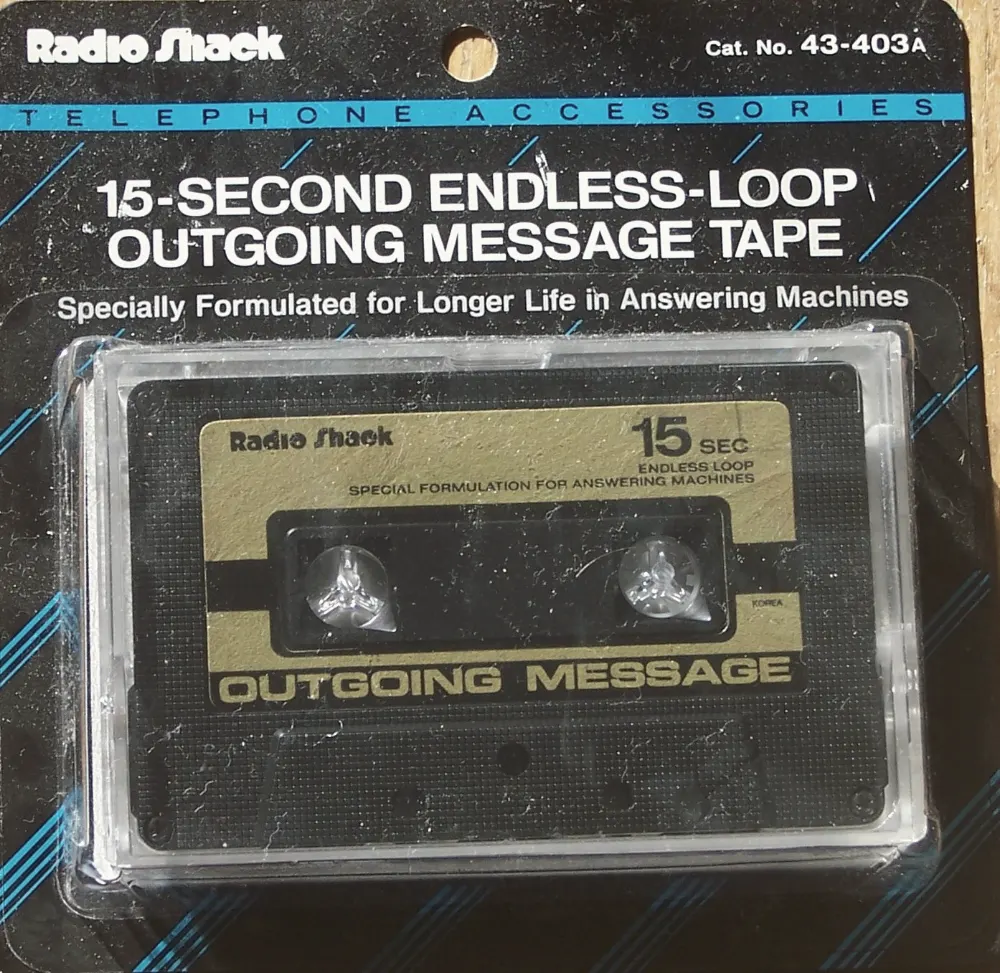
Fifteen seconds of tape used to be your first impression
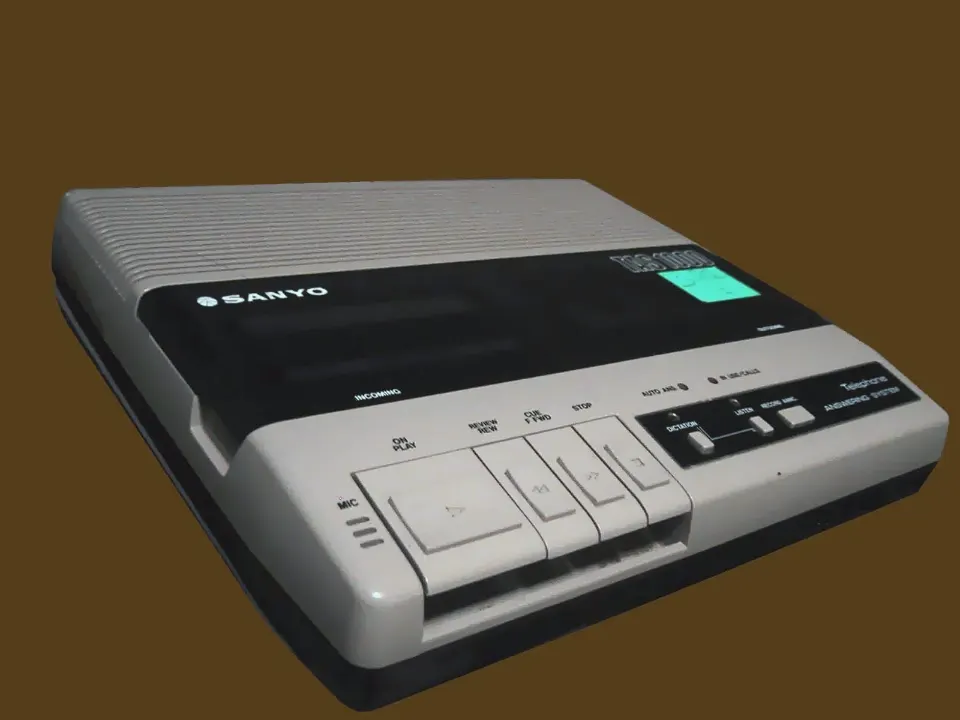
Answering machines kept the outgoing message on a tiny endless-loop cassette. You recorded it once, in one take, usually in a hurry. Today the greeting still does the same job: it tells callers they reached the right place and what happens next. You can now write it, hear it in a calm professional voice, and fix a word without re-recording the whole thing.
Create your voicemail greetingScripts
Need ideas? Start from an example
Questions
Frequently asked questions
How does an AI voicemail greeting generator work?
It's text to speech built for voicemail. You type the greeting, an AI voice reads it aloud, and you get an audio file to put on your phone line. You can listen first, change a word, and generate again until it sounds right, which is much faster than re-recording your own voice.
Is the voicemail greeting generator free?
Yes. You can generate up to 5 greetings per day for free, with no account. Each generated file stays available to download for 7 days and is then deleted automatically, so save a copy once you have one you like.
What do premium voices and credits get me?
Free use includes 2 standard voices, one female and one male. With credits, you also get premium voices that sound more natural, optional background music, and batch generation for a full IVR menu. One credit is one generation, credit packs start at $5 for 50, and credits never expire. You only need an account if you buy credits.
Can I make matching after-hours and holiday greetings at the same time?
Yes. Enter your company name and use "Full greeting set" to generate three greetings that match in voice and wording: your regular greeting, an after-hours version, and a holiday version. Then set each one in your phone system's schedule.
How long can a voicemail greeting be?
It depends on the provider. Many carriers and phone systems cap greetings somewhere between 30 seconds and a few minutes, but callers rarely listen past 20–30 seconds. Aim for 40–75 words, which is about 15–30 seconds read aloud. Our generator accepts up to 500 characters per greeting.
What audio format do phone systems need?
Many PBX and VoIP systems, especially older or self-hosted ones such as Asterisk-based setups, expect WAV at 8kHz, 16-bit, mono, which is standard telephone quality. Most hosted business phone services and apps accept MP3. If you're not sure, check your provider's upload instructions. We offer both formats.
Can I upload an AI greeting to my iPhone or carrier voicemail?
Usually not directly. iPhone Visual Voicemail and most carrier voicemail only let you record a greeting through the phone. A common workaround is to play the downloaded file on another device near your phone while it records. Business phone systems such as RingCentral, Grasshopper, 3CX, and Zoom Phone accept file uploads, and Microsoft Teams accepts them for auto attendants. See how to upload a custom voicemail greeting for each system.
Can I use the generated greeting for my business?
Using a greeting on your own phone line or business voicemail is the intended use. For other uses, such as ads, broadcast, or resale, the terms of our text-to-speech provider may apply and may differ, so review our Terms of Service and check before relying on it commercially beyond your phone system.
Do you offer voice cloning or celebrity voices?
No. We only offer a fixed set of stock AI voices. We don't clone voices, imitate real people, or accept uploads of your own recordings.